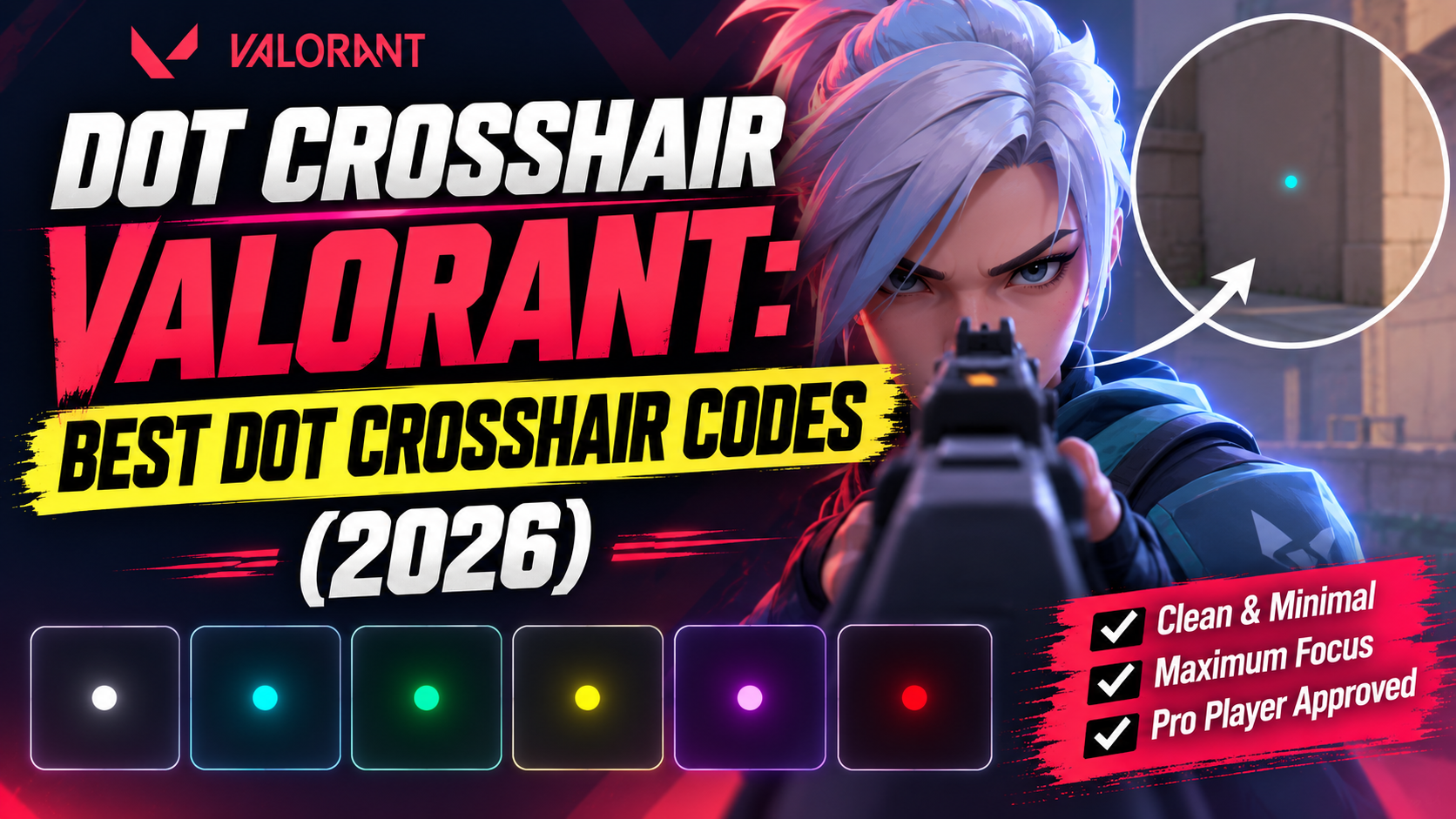
Missing easy shots in Valorant? Your crosshair could be the reason. A large crosshair can block your view, making it harder to see an enemy's head when every shot counts.
That's why many players switch to a Valorant dot crosshair. It's small, clean, and easy to aim with. Since there's no extra clutter, you can focus on your target more easily.
In this guide, you'll find the best Valorant dot crosshair codes, including settings used by pro players, a tiny dot crosshair, a cyan dot crosshair, and Cloud9's Oxy crosshair. Simply copy your favorite code, paste it into Valorant, and you're ready to play.
What Is a Dot Crosshair in Valorant?
A dot crosshair Valorant setup is simple. It's just one small dot in the middle of your screen. There are no lines around it.
Some players turn off all the lines. Other players keep a tiny outline so the dot is easier to see.
Here's why players like it:
-
It doesn't block your view of the enemy
-
It feels more exact when you fight up close
-
It's less busy when things move fast on your screen
If a normal crosshair ever felt too messy for you, try a dot. It might feel much better right away.
Pro Players Who Use a Dot Crosshair
You don't have to guess if a dot crosshair works. Some of the best players in the world use one every day.
ScreaM is known for hitting perfect headshots. He uses just a dot. No lines at all. Here is his code:
0;P;c;5;o;0.286;d;1;f;0;0t;0;0l;0;0o;0;0a;1;0f;0;1b;0
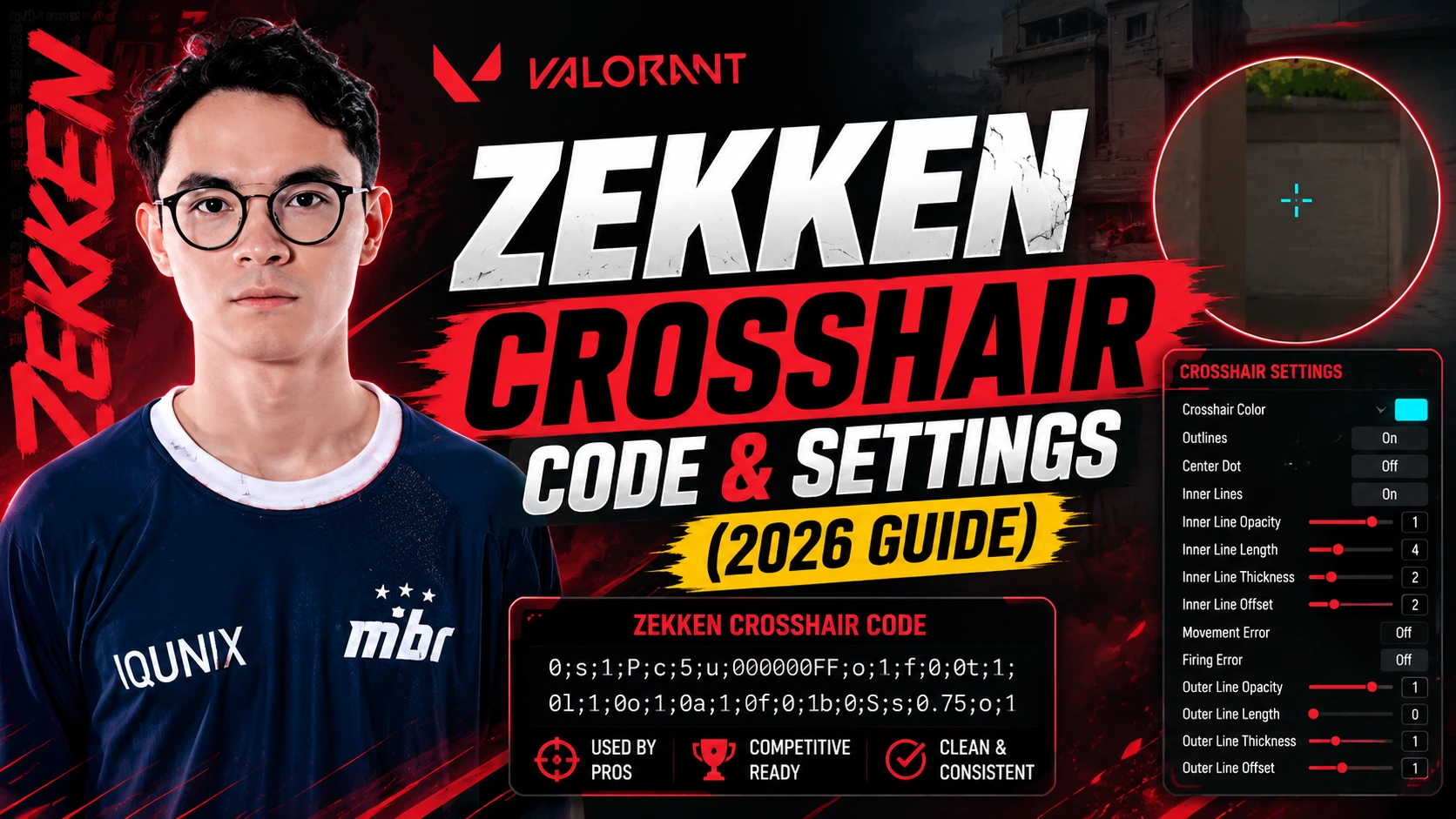
Zekken, who plays for MIBR, uses a green dot too. He has no lines at all, just like a red dot on a real gun. Here is his code:
0;P;c;1;o;1;d;1;0b;0;1b;0
Both players are known for having very good aim. Both of them chose a dot crosshair. That's not luck. A dot removes extra clutter, so your eyes can look only at your target.
Best Dot Crosshair Codes to Copy
Here are more dot crosshair codes you can try. These are picked from the styles many players use right now.
Community Favorite Small Dot
If you want a small dot crosshair that Valorant players keep coming back to, try this one. It removes every outer line and keeps only a small, tight dot in the middle:
0;P;c;8;b;1;t;1;o;1;z;1;a;1;0t;1;0l;1;0v;1;0o;0;0a;1;0s;1;0e;1;1t;2;1l;2;1v;2;1o;10;1a;0.35;1s;1;1e;1;u;FFFFFF;d;1;h;1;0g;0;1g;0;0f;0;1f;1;0m;0;1m;1;0b;1;1b;0;m;0
Cyan Dot Crosshair Code
Cyan is a top color choice in the game. It stands out on almost every map. This code gives you a clean cyan dot with no lines:
0;P;c;5;h;0;d;1;z;1;0b;0;1b;0
Simple White Dot
This is a plain white dot. It's simple and won't pull your eyes away from the fight:
0;P;h;0;0b;0;1b;0;S;c;1;s;1;o;1
Oxy Dot Crosshair Code
The Oxy dot crosshair is a popular pick since Oxy plays for Cloud9 and keeps his setup simple. He uses a cyan dot crosshair in his Valorant setup. Here is his current code:
0;s;1;P;c;5;o;1;d;1;0b;0;1b;0;S;o;1
This gives you a cyan dot. The outline is turned on. There are no sidelines. It's easy to copy and try out for yourself.
How to Change the Color of Your Dot
Want to change the color of any code above? Valorant uses a simple number code for color. Just change the number after c; in the code.
|
Color |
Code Value |
|---|---|
|
White |
c;0 |
|
Green |
c;1 |
|
Yellow-Green |
c;2 |
|
Yellow |
c;4 |
|
Cyan |
c;5 |
|
Pink / Red |
c;6 |
For example, if a code has c;1 (green) and you want cyan, just change it to c;5. You don't have to build a new code from the start.
How to Add a Dot Crosshair Code Into Valorant
This takes less than a minute. Follow these steps:
-
Open Valorant and go to Settings
-
Click the Crosshair tab
-
Click the Import Profile Code button (it looks like a down arrow)
-
Paste the code you picked
-
Click Import
-
Save your profile
Your new crosshair will show up right away. Try it in the practice range first. You can save up to 15 crosshair profiles, so it's okay to test a few before you pick one.
Should You Use a Dot Crosshair?
A dot crosshair Valorant setup is not for every player. Here's an easy way to decide.
Try a dot crosshair if:
-
You often play close-range agents (like Jett, Raze, or Reyna)
-
A normal crosshair feels like it blocks your view
-
You want a clean, simple look
Stick with a normal crosshair if:
-
You often play snipers or long-range agents
-
You use crosshair lines to judge distance
-
You are new to the game and still learning to aim
There is no single right answer. Many players try a dot crosshair for a week in unrated games first. Then they decide if it feels right.
Frequently Asked Questions
What is the best dot crosshair color?
Cyan and white are used the most. They are easy to see on almost every map. Green is also popular with players who play close-range agents.
Is a small dot crosshair good for beginners?
It can be hard for new players at first, since there is less to look at. Many beginners start with a normal crosshair. Then they try a dot crosshair once they feel comfortable.
Can I make my dot bigger or smaller?
Yes. Go to your crosshair settings. Change the thickness and outline size until it feels right.
Is there a VAL? dot crosshair that works for every agent?
Not exactly. A dot works great for close- and mid-range agents, but snipers may still want a small line or two for extra reference at long distances.
What crosshair does ScreaM use?
ScreaM uses a cyan dot crosshair with no lines. It's just one point to aim with.
What crosshair does Oxy use?
Oxy uses a cyan dot crosshair with the outline on and no side lines, as shown in the code above.
Final Thoughts
Picking a dot crosshair Valorant setup is about what feels right for you. Some of the best players in the world use one. But that doesn't mean it's the right pick for everyone. Try one of these codes in a few unrated games. If it feels good, keep it. If not, you can switch back in seconds.