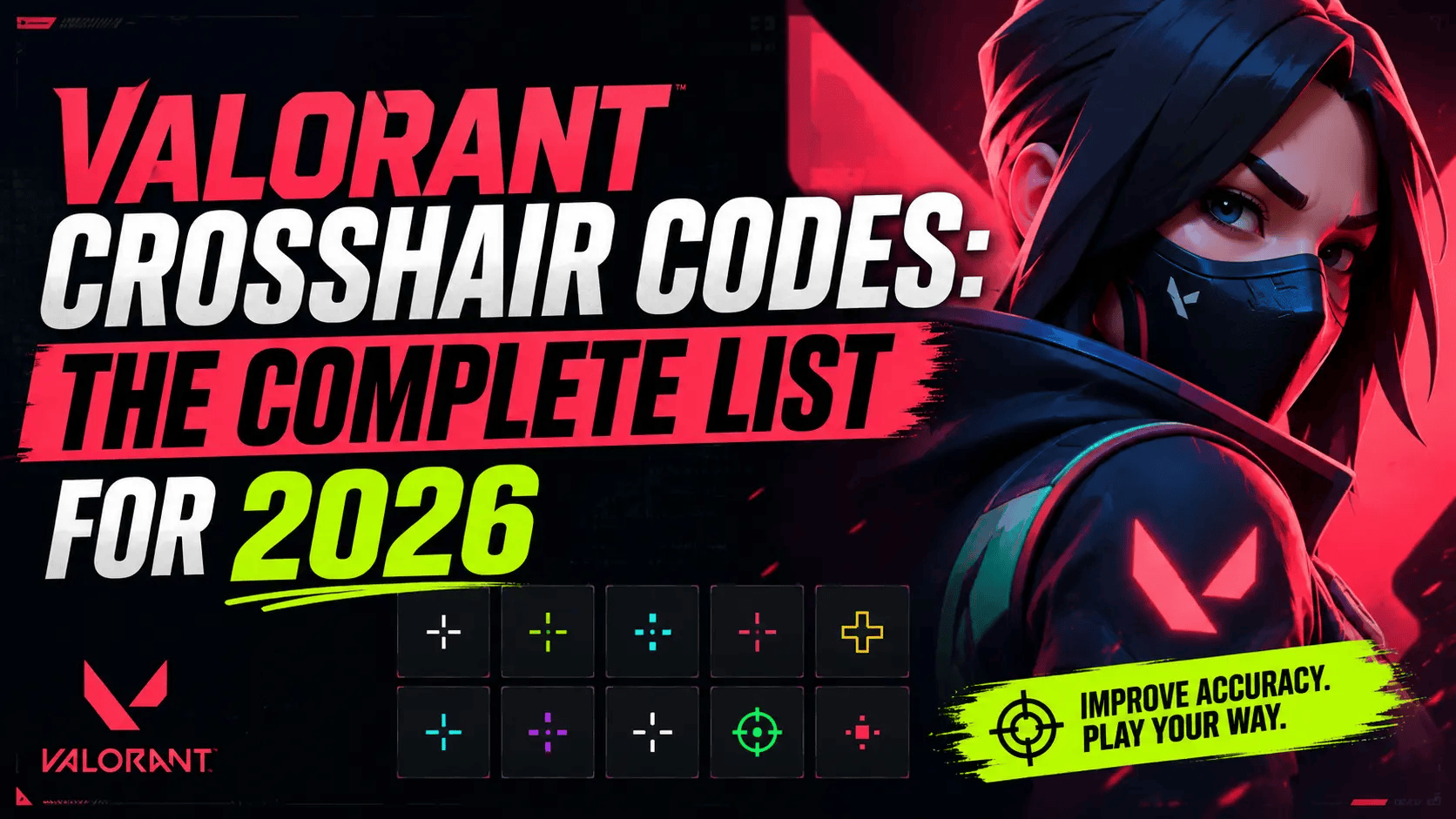
A Valorant crosshair code (also called a crosshair ID) is a short code that saves all your crosshair settings in one place. It includes the crosshair's color, size, shape, outlines, centre dot, and other settings.
You can copy a code and paste it into Valorant to use the same crosshair as your favourite pro player, streamer, or friend. It only takes a few seconds, and your crosshair changes instantly.
In this guide, you'll learn what crosshair codes are, how to use them, and discover some of the best Valorant crosshair codes for different playstyles, including dot, circle, small, and recoil-friendly crosshairs.
What Is a Valorant Crosshair Code?
Every crosshair code follows the same structure: a series of values separated by semicolons, each one controlling a specific setting.
0;P;c;5;o;1;0t;1;0l;2;0o;1;0a;1;0f;0;1b;0
Breaking that down:
-
c = color (5 is cyan)
-
o = outline opacity
-
0t / 0l / 0o / 0a = inner line thickness, length, offset, and opacity
-
1b = whether outer lines are shown
-
'P' marks the start of the primary crosshair profile
You don't need to memorise this to use a code; you just need to copy and paste it into the game. But understanding the structure helps if you want to tweak the code slightly (like changing only the color) without starting from scratch.
Why Use Valorant Crosshair Codes?
Instead of creating a crosshair from scratch, you can copy a ready-made code and start playing immediately. Many players use crosshair codes because they:
-
Save time setting up a new crosshair
-
Let you try pro player settings instantly
-
Make it easy to switch between different playstyles
-
Help you compare multiple crosshairs before choosing one
-
Can be shared with friends using a single code
How to Import a Crosshair Code in Valorant?
-
Open Settings in Valorant.
-
Go to the Crosshair tab.
-
Click the Import Profile Code icon (a small download arrow).
-
Paste the full code; make sure there are no extra spaces at the start or end.
-
Click Import, and the crosshair applies immediately.
You can save up to several profile slots, so it's worth importing a few codes and testing them before settling on one.
Best Valorant Crosshair Codes (General List)
These are some of the most popular Valorant crosshair codes for everyday gameplay. Each setup offers a different balance of visibility so you can easily find one that matches your playstyle.
|
Style |
Crosshair Code |
|---|---|
|
Small Cyan Cross (all-around) |
0;P;c;5;o;1;0t;1;0l;2;0o;1;0a;1;0f;0;1b;0 |
|
Classic White Cross |
0;P;o;1;0t;1;0l;3;0o;2;0a;1;0f;0;1b;0 |
|
Green Precision Cross |
0;P;c;2;o;1;f;0;0l;3;0o;2;0a;1;0f;0;1b;0 |
|
Compact Outlined Cross |
0;P;c;5;o;1;0t;1;0l;3;0o;2;0a;1;0f;0;1b;0;S;c;0;o;1 |
|
Wide Gap Cross (sniping) |
0;P;h;0;0l;3;0o;5;0a;1;0f;0;1b;0 |
Valorant Dot Crosshair Codes
Dot crosshair codes remove the lines entirely, leaving a single small point at the centre. These are popular for flick-heavy playstyles where a clean, unobstructed view of the target matters more than a tracking reference.
|
Style |
Dot Crosshair Code |
|---|---|
|
Classic Small Dot |
0;P;o;1;d;1;0b;0;1b;0 |
|
Cyan Dot Crosshair Code |
0;s;1;P;c;5;o;1;d;1;z;3;0b;0;1b;0;S;s;0.628;o;1 |
|
Minimalist White Dot |
0;s;1;P;o;1;d;1;m;1;0b;0;1b;0 |
|
Outlined Dot for Bright Maps |
0;P;c;2;o;1;d;1;S;c;0;s;0.6;o;1 |
The cyan dot crosshair code above is one of the most copied dot setups, since cyan holds up well against both dark and light map backgrounds without needing an outline.
Valorant Circle Crosshair Codes
A circle crosshair replaces the standard dot or cross with a small ring around the center point. It's less common competitively but popular for a distinct, easy-to-track look.
|
Style |
Circle Crosshair Code |
|---|---|
|
Small White Circle |
0;P;c;1;s;1;d;1;z;2;a;1;0b;0;1b;0 |
|
Cyan Circle with Center Dot |
0;P;c;5;s;1;d;1;z;3;a;1;0b;0;1b;0 |
|
Thin Outlined Circle |
0;P;c;0;s;1;d;1;z;4;a;0.8;0b;0;1b;0;S;c;0;o;1 |
Recoil Crosshair Codes for Valorant
A "recoil crosshair" typically refers to a setup that uses outer lines to visually match where your bullets land during sustained fire, helping you track spray patterns on rifles like the Vandal or Phantom. These usually keep the inner lines tight while spacing the outer lines further apart to mirror bullet spread.
|
Style |
Recoil Crosshair Code |
|---|---|
|
Standard Recoil Tracker |
0;P;h;0;0l;2;0o;1;0a;1;0f;0;1t;3;1l;2;1o;4;1a;1;1m;0;1f;0 |
|
Wide Recoil Cross |
0;P;c;5;h;0;0t;1;0l;2;0o;2;0a;1;0f;0;1t;5;1l;1;1o;6;1a;1;1m;0;1f;0 |
|
Tight Recoil Dot + Lines |
0;P;o;1;d;1;0l;2;0o;1;0a;1;0f;0;1t;4;1l;1;1o;5;1a;1;1m;0;1f;0 |
Pro Player Crosshair Codes
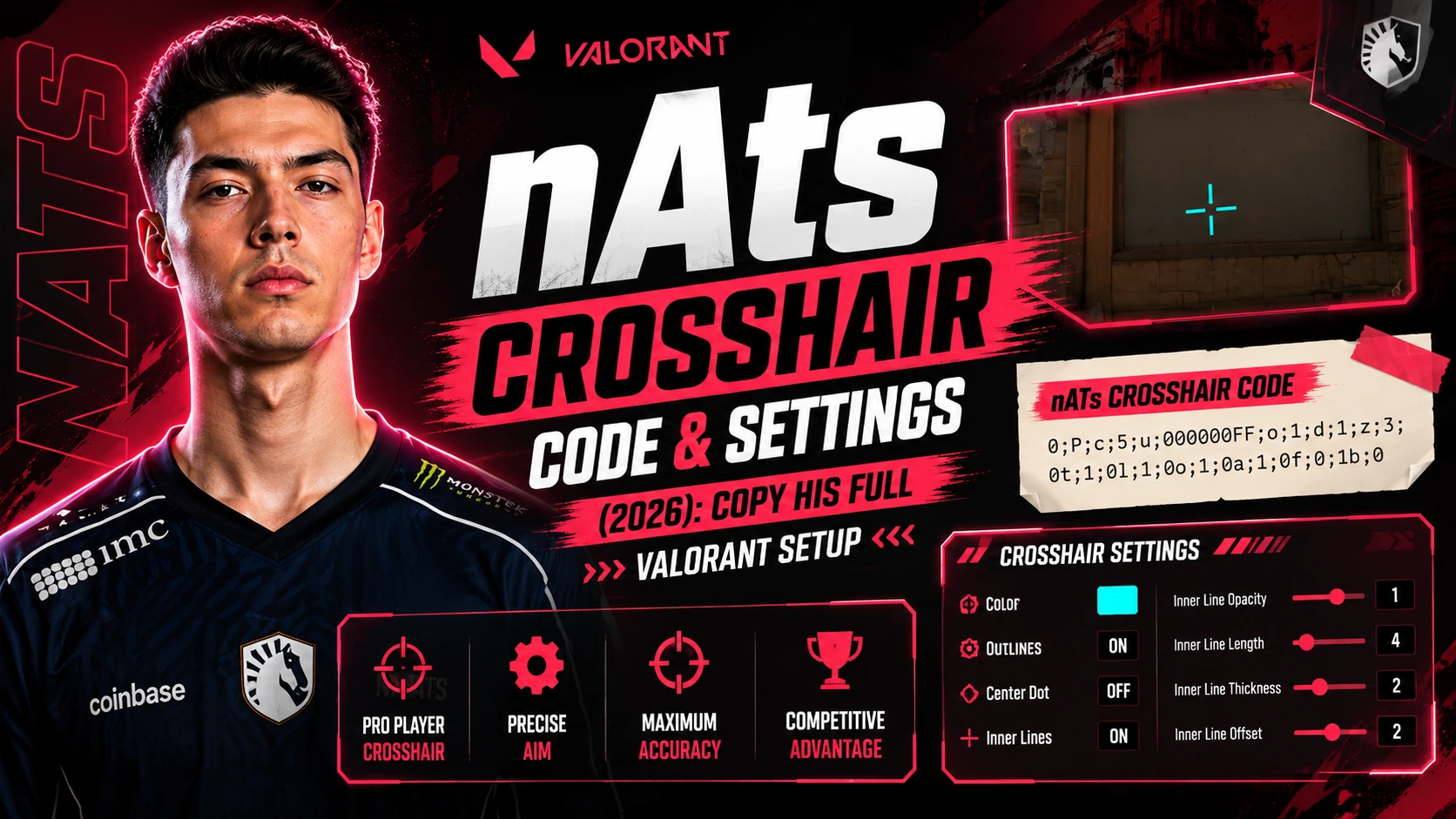
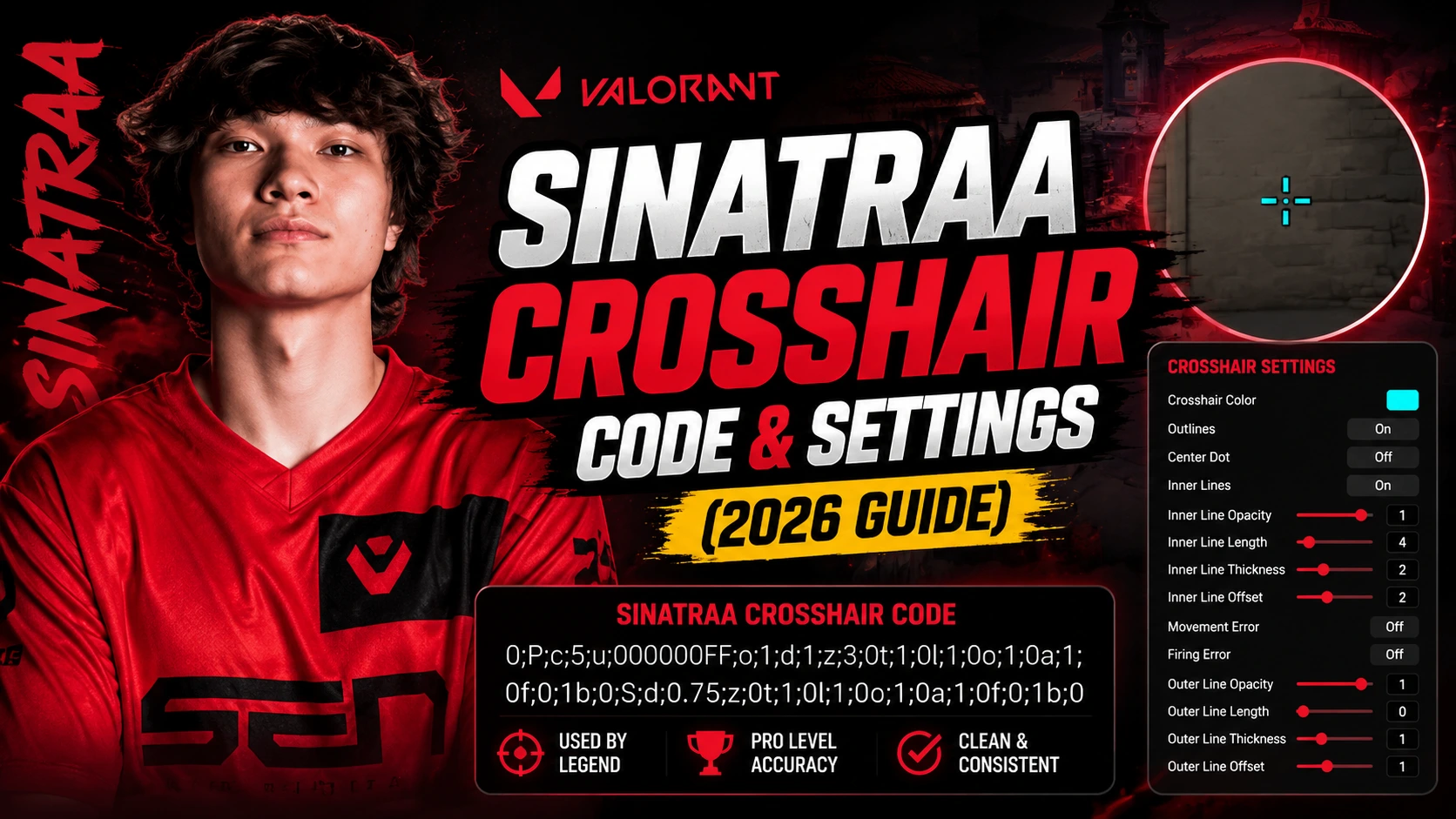
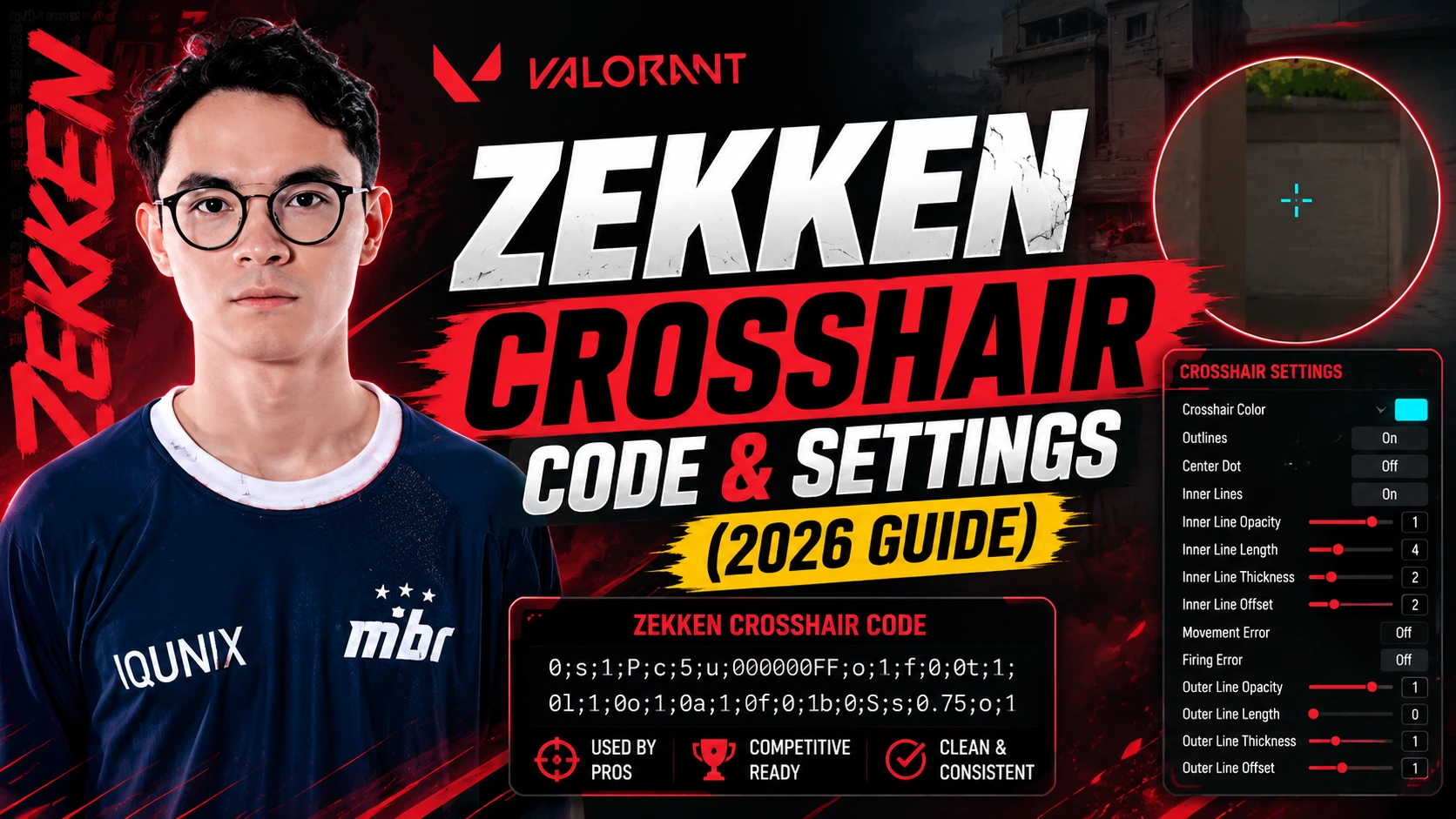
Here are a few widely copied pro codes, useful if you want to start with a setup that's already been tested at the highest level of competitive play:
|
Player |
Crosshair Code |
|---|---|
|
TenZ |
0;s;1;P;c;5;h;0;0l;5;0v;0;0g;1;0a;1;0f;0;1l;0;1v;4;1g;1;1o;2;1a;1;1m;0;1f;0;S;c;5;o;1 |
|
Demon1 |
0;P;o;1;0t;1;0l;3;0o;2;0a;1;0f;0;1b;0 |
|
aspas |
0;P;c;5;o;1;d;1;z;3;f;0;0b;0;1b;0 |
|
ScreaM |
0;s;1;P;c;5;o;1;d;1;z;3;f;0;0t;6;0l;0;0a;1;0f;0;1b;0;S;c;6;s;0.949;o;1 |
|
Boaster |
0;s;1;P;c;5;u;FF2B52FF;o;1;d;1;z;4;f;0;s;0;0l;0;0v;0;0o;2;0a;1;0f;0;1t;0;1l;0;1o;0;1a;0;1f;0;S;c;1;o;1 |
Sharing Your Own Crosshair Code
If you've built a crosshair you like, Valorant lets you export it the same way you imported one. Head to the Crosshair tab, click the export/share icon next to your profile, and copy the generated code. You can then send that code to friends or post it anywhere codes are shared, and anyone can import it using the same steps above.
Frequently Asked Questions
Are crosshair codes the same as crosshair IDs?
Yes, "crosshair code" and "crosshair ID" refer to the same thing: the exported string of settings you paste into the Import Profile Code box.
Do crosshair codes work the same at every resolution?
Crosshairs scale relative to your resolution and aspect ratio, so the code will look consistent, but always double-check it on your own setup after importing.
Can I edit the code after importing it?
Yes. Once imported, you can adjust individual settings like color or size in the Crosshair menu without needing a new code; only re-import if you want to reset to the exact original.
Do pro crosshair codes change often?
They can. Pro players occasionally tweak their settings between events, so treat any list of pro codes as a snapshot rather than a permanent reference.