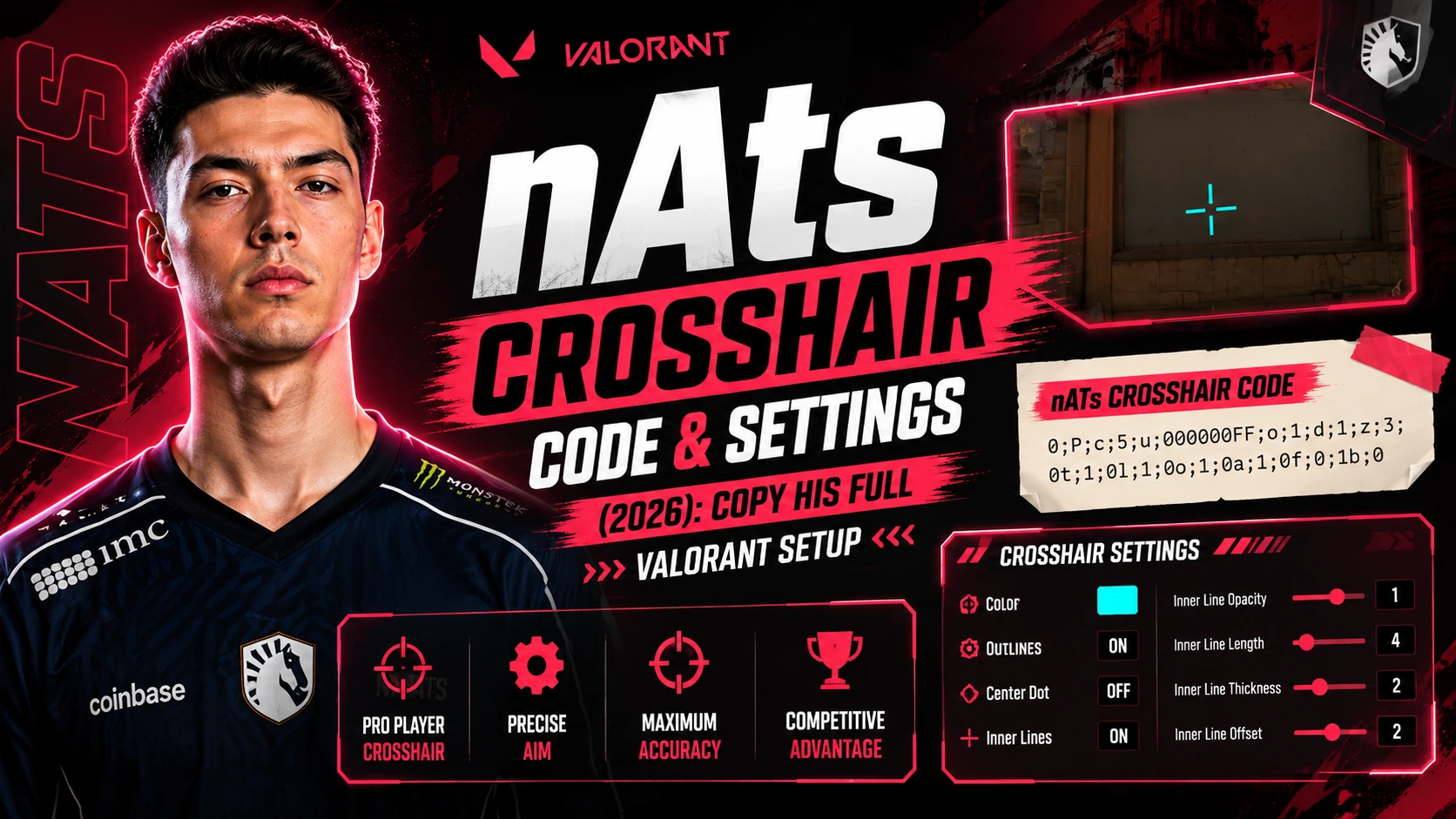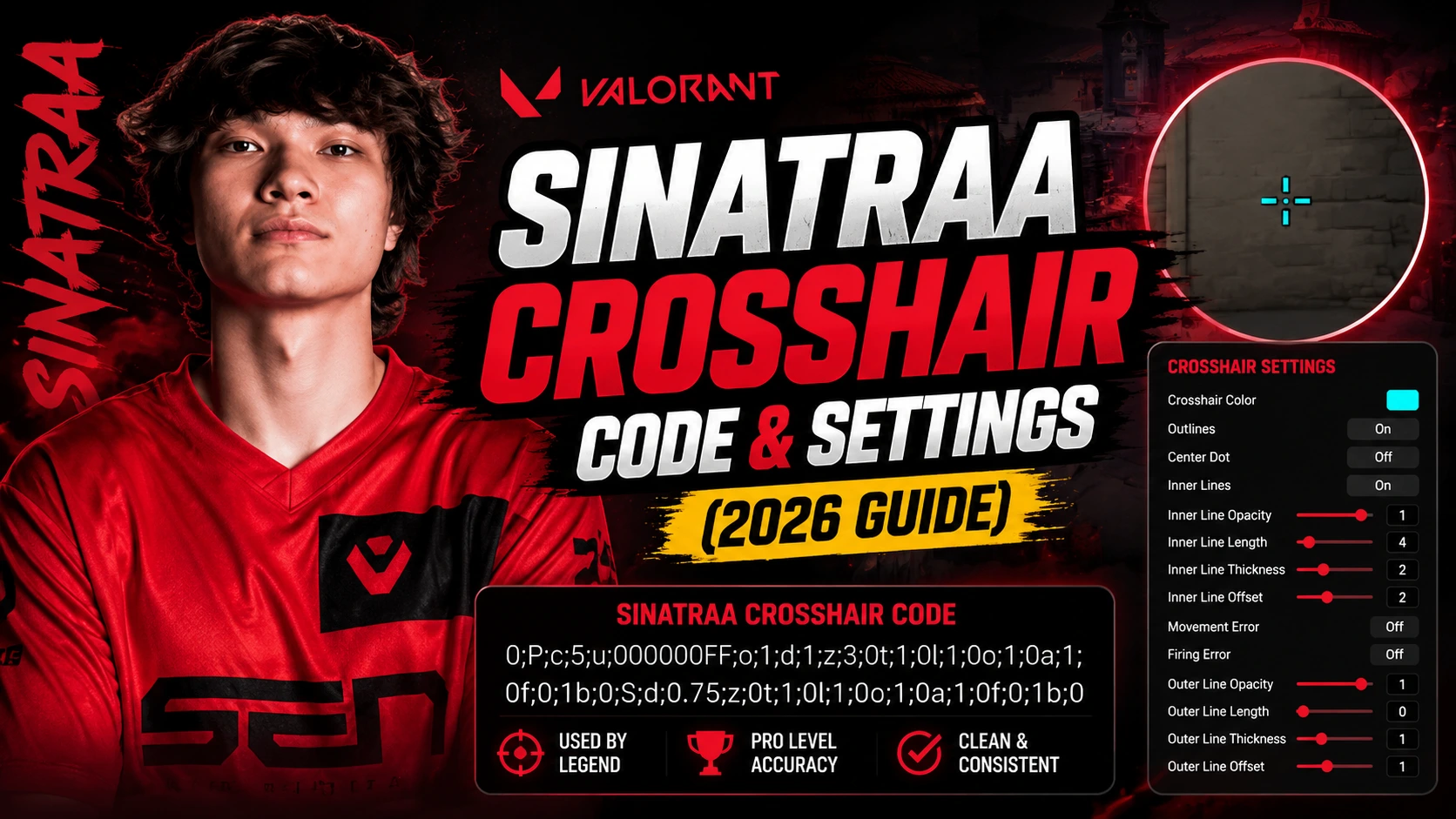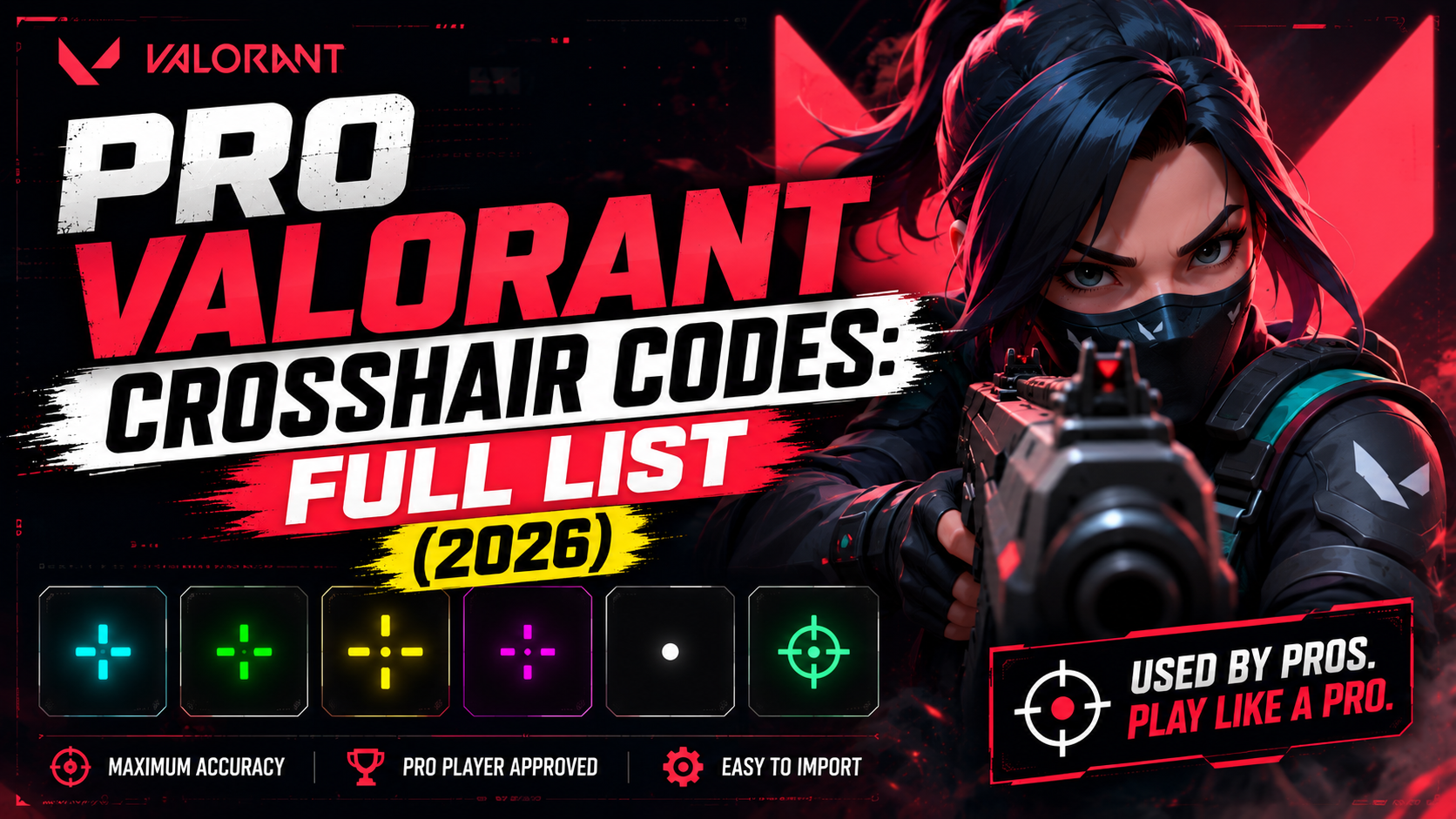
Pro Valorant Crosshair Codes: Full List (2026)
A good pro Valorant crosshair can change how you play. Many players want to shoot like the pros, and one of the easiest ways to get closer to that goal is to use the same crosshair code a top player runs in VCT. Below you'll find the current pro Valorant crosshair codes, step-by-step import instructions, and a guide to building your own setup from scratch.
What Is a Pro Valorant Crosshair Code?
A pro Valorant crosshair code is a shareable string that stores one player's exact crosshair settings: color, size, outline, gap, and center dot. Paste the code into Valorant's settings menu, and it instantly recreates that player's crosshair on your own screen.
Every pro's code is a little different. Some run small dots, some run simple crosses, and some add thick outlines for extra visibility. The right pick depends on how a player likes to aim, not just who's currently topping the leaderboards.
Why Do Valorant Pros Use These Specific Crosshairs?
Pro players spend hours in the range tab testing crosshairs before locking one in for competition. They're optimizing for three things at once:
- Accuracy - A clean, consistent crosshair helps you commit to the same aim point every round.
- Visibility - High-contrast colors like cyan, green, or magenta stand out against Valorant's map palettes.
- Comfort - Every player's eyes and playstyle differ, so what works for TenZ won't always work for you.
That's why there's no single "best" crosshair, only the one that fits your eyes, your monitor, and your playstyle.
Top 10 Pro Valorant Crosshair Codes to Copy
Here are ten of the most-copied Valorant crosshair codes in competitive play right now.
1. TenZ - Small Cyan Dot
A minimal cyan dot with no outer lines, built for flick-heavy duelist play and pixel-precise headshots. One of the most copied setups in competitive Valorant.
2. yay - Static White Outline
A thin white outline with a locked, non-moving profile while firing. Favored by players who want a completely predictable sightline during sprays.
3. Aspas - Tight Green Plus
A bright green plus sign with a short gap. High contrast against Valorant's warm map palettes, and easy to track during aggressive peeks.
4. ScreaM - One-Pixel Dot
A single, razor-thin center pixel with everything else stripped away, built for players chasing pixel-perfect long-range aim.
5. Derke - Tight Cyan Cross
A compact cyan cross with short inner lines, tuned for the fast, close-range duels that define Derke's aggressive entry style.
6. Sacy - Cyan Outline
A cyan crosshair with a thin outline for extra visibility on bright maps like Breeze and Sunset.
7. Less - Pink Cross
A bold pink cross that stands out from almost every map's color palette, making it easy to keep target focus in chaotic fights.
8. f0rsakeN - Green Dot + Cross
Combines a small center dot with a tight plus, giving usable reference points for both close-range spray and mid-range taps.
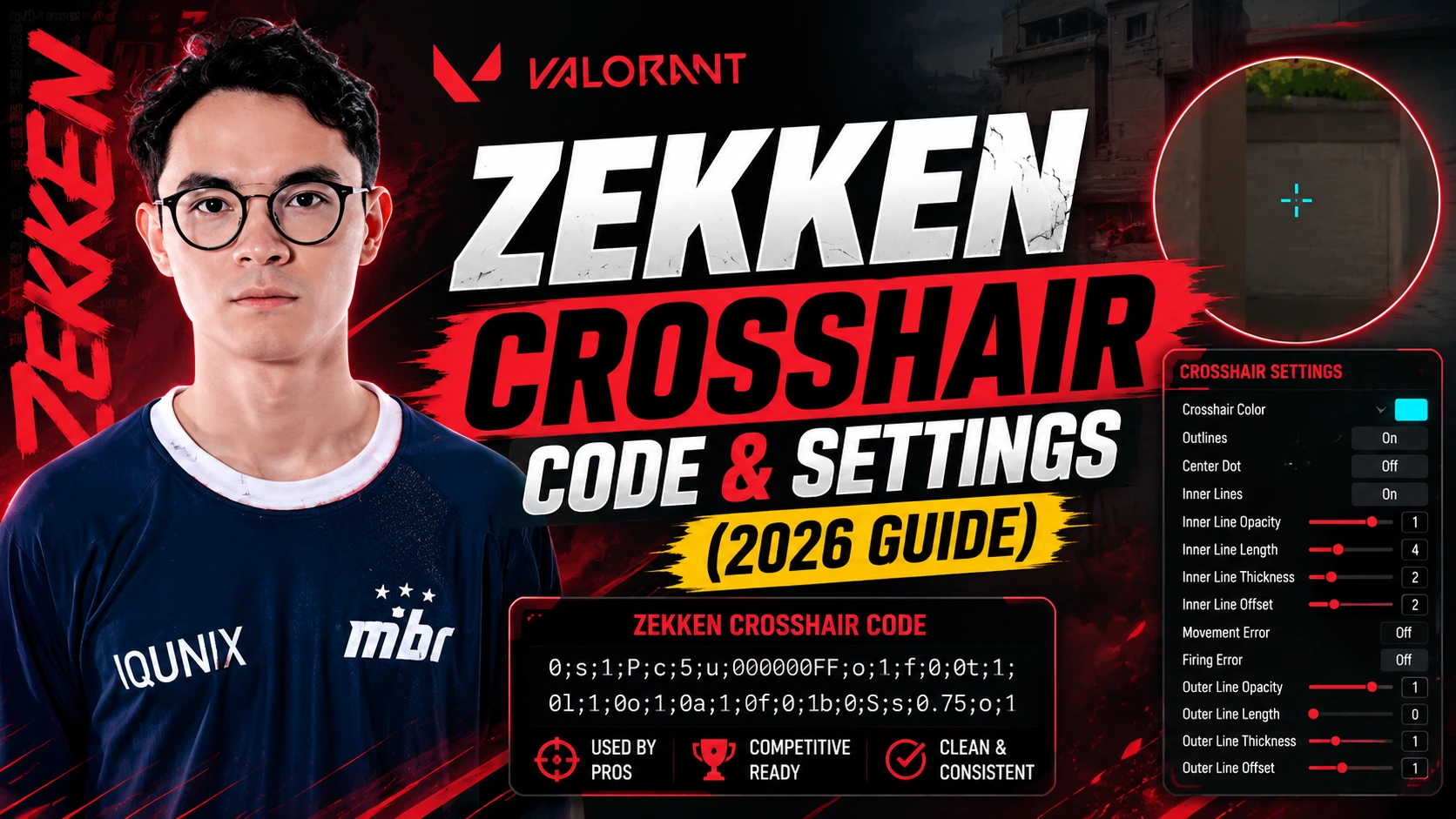
9. Zekken - Cyan Dot + Cross
A thinner-lined variation on the dot-plus hybrid, built around rapid target switching and aggressive entry fragging.
10. Jinggg - Bold Magenta Plus
A thick magenta plus sign designed to stay visible during fast strafes and movement-heavy duels.
Pro Crosshair Settings by Region
Crosshair preferences vary noticeably by region.
Americas Region
Americas pros like TenZ and Demon1 favor small, clean crosshairs with minimal clutter. The goal is an unobstructed view of the head hitbox at long range. Boostio runs a similarly minimal cyan cross, while Marved leans toward a slightly larger plus for easier tracking on movement-heavy duelists.
EMEA Region
EMEA stars such as Boaster and Chronicle often run classic cyan or white crosshairs with a static, non-moving profile, prioritizing consistency over flash. Derke's tight cyan cross is one of the region's most copied Valorant crosshair codes, and Leo tends toward a similar low-clutter setup for entry fragging.
Pacific Region
Pacific-region players like Jinggg and f0rsakeN lean toward bolder, more colorful crosshairs, useful in scrims and matches with heavier visual noise on-screen. Something and Munchkin both favor high-contrast green or cyan crosses for the same reason.
China Region
China region pros typically choose sharp, thin crosshairs built around precise long-range angles and Operator duels. Smoggy and ZmjjKK are known for minimal-dot setups similar to ScreaM's, prioritizing a completely unobstructed sightline.
Crosshair Settings Explained
Every Valorant crosshair code is really just a string of individual settings. Understanding what each one does makes it much easier to tweak a pro's code into something that fits your own eyes.
- Inner Lines - The short lines closest to the center. Shorter inner lines keep more of the head hitbox visible up close.
- Outer Lines - Optional lines further from the center, useful for tracking movement at a glance. Many pros disable these entirely.
- Gap - The empty space between the center point and the inner lines. A larger gap keeps lines further from the head hitbox.
- Center Dot - A single fixed point at the exact center, useful for spray control and consistent flicks.
- Outline - A thin border (usually black) around every line, which keeps the crosshair visible on bright backgrounds.
- Color and Opacity - Cyan and green are the most common picks for contrast. Opacity below 100% can help the crosshair feel less intrusive.
How to Import a Pro Crosshair Code in Valorant
Importing takes under a minute.
Step 1: Copy the Crosshair Code
Copy the full code from your chosen pro player's page.
Step 2: Open Valorant Settings
Launch Valorant, press Escape, and open the Crosshair tab under Settings.
Step 3: Open the Import Box
Click Import Profile Code. A text field will appear.
Step 4: Paste and Confirm
Paste the code into the box and press Confirm. Your new crosshair is ready to use immediately.
How to Build Your Own Pro-Style Valorant Crosshair
If none of the codes above feel right, build your own starting from these settings:
- Color - Pick a high-contrast color like cyan, green, or pink so it doesn't blend into the map.
- Size - Keep inner lines short (2 to 4) so they don't cover the enemy head hitbox.
- Center Dot - Turn this on if you want one fixed aim point for spray control.
- Outline - Add a thin 1px outline so the crosshair still reads clearly on bright maps like Breeze and Sunset.
Small Dot vs. Plus vs. Outline: Best Crosshair for Valorant Ranked
There are three common crosshair styles, and each suits a different kind of player:
- Small Dot - Best for players who want a clean view with zero clutter (TenZ, ScreaM).
- Plus / Cross - Best for players who want a clear center reference with visible lines (Aspas, Jinggg).
- Outline - Best for players on bright maps who need extra contrast (Sacy, yay).
New to Valorant? Start with a small dot or a plus. Both are the easiest crosshair settings to build consistent muscle memory around.
Frequently Asked Questions
How do I import a crosshair code in Valorant?
Open Settings, go to the Crosshair tab, click Import Profile Code, paste the code, and confirm.
What is the best pro crosshair to use in 2026?
There's no single best crosshair. Many players default to TenZ's cyan dot or Aspas's green plus because both are simple, high-contrast, and easy to build habits around.
Where can I find a pro player's current crosshair code?
Codes are shared on player streams, Twitter/X, and community crosshair databases. Cross-check the date before copying, as pros update their settings often.
Does using a pro crosshair actually improve your aim?
A good crosshair can help you aim faster and track targets more clearly, but it's a small edge on top of practice. It won't replace aim training.
Is copying a pro's crosshair code allowed?
Yes. Crosshair import codes are a built-in Valorant feature, and using someone else's code is fully within the rules.
What color crosshair do most pros use?
Cyan, green, and white are the most common colors among pro Valorant players, largely because they contrast well against most map palettes.
How often do pro crosshair codes change?
More often than most guides suggest. Players tweak settings between patches, after gear changes, or when they switch teams. Always check the "last updated" date on a code before trusting it.
Can I save and share my own crosshair code?
Yes. Valorant lets you export your own crosshair as a code and share it with friends or teammates the same way.
Final Thoughts: Pick the Pro Valorant Crosshair That Fits Your Style
Trying a pro Valorant crosshair code is a quick, low-risk way to test a setup that already works at the highest level of competitive play. Start with one of the crosshair codes above, or build your own using the settings guide, and give it a few sessions before judging it. Muscle memory takes a little time to catch up to a new profile.